

- On a filter. It checks the jobs that filter finds.
- On an auto-bidding setup. It decides which jobs get a proposal. See Create a setup.
- Saved on its own under Settings, then AI Job Qualifiers, where one prompt can serve several filters and setups.
Turn it on for a filter
- Open the filter and click AI Job Qualifier.
- Write the rules in Prompt. Click Examples for three starting points: Comprehensive filter, Skills & relevance filter, Budget & client quality.
- Click Save.
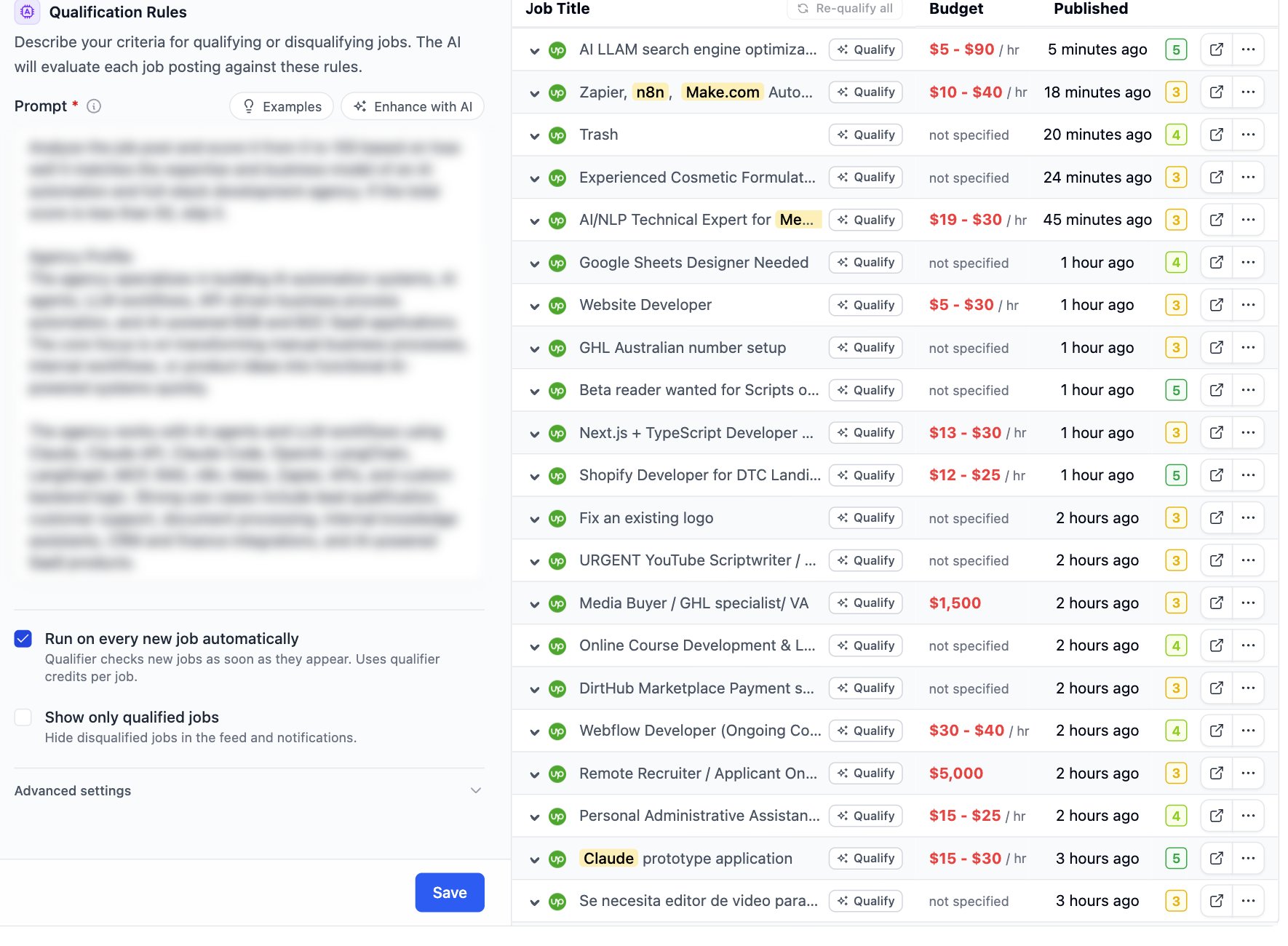
Open Advanced settings to pick the Model. The default model costs one credit per job. Others cost more.
The status chip at the top disables and enables the qualifier. A disabled qualifier keeps its prompt.
Read the verdict in the feed
Each job in the feed carries a Qualified or Disqualified pill. Hover it to read the reason.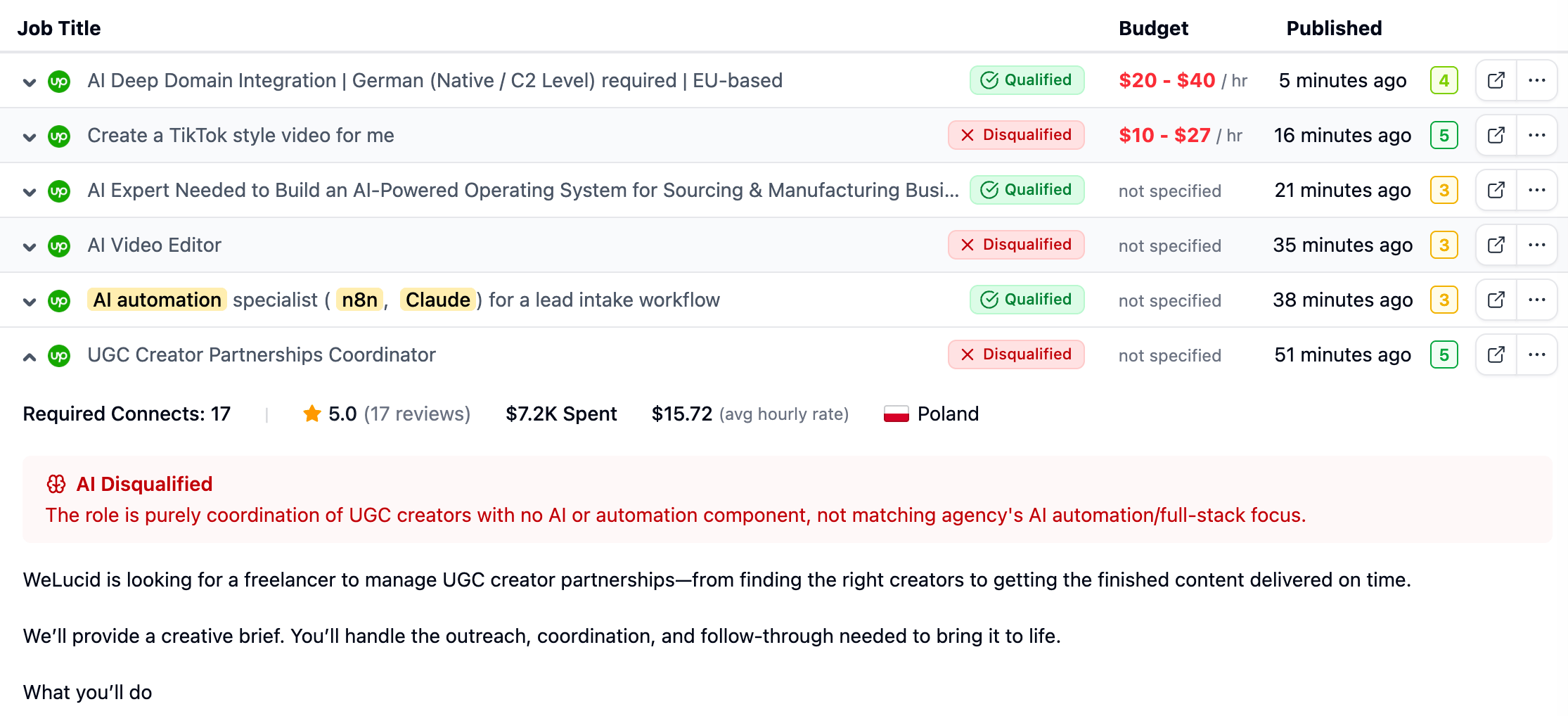
Write a prompt that works
Write rules, not a description of your agency. The model needs to know what to accept and what to reject.- Name the work you take. Name the work you refuse.
- Add hard limits: minimum budget, client history, location, language.
- Give a threshold when you score. “Score 0 to 100. Below 60, disqualify.”
- Keep one idea per line.