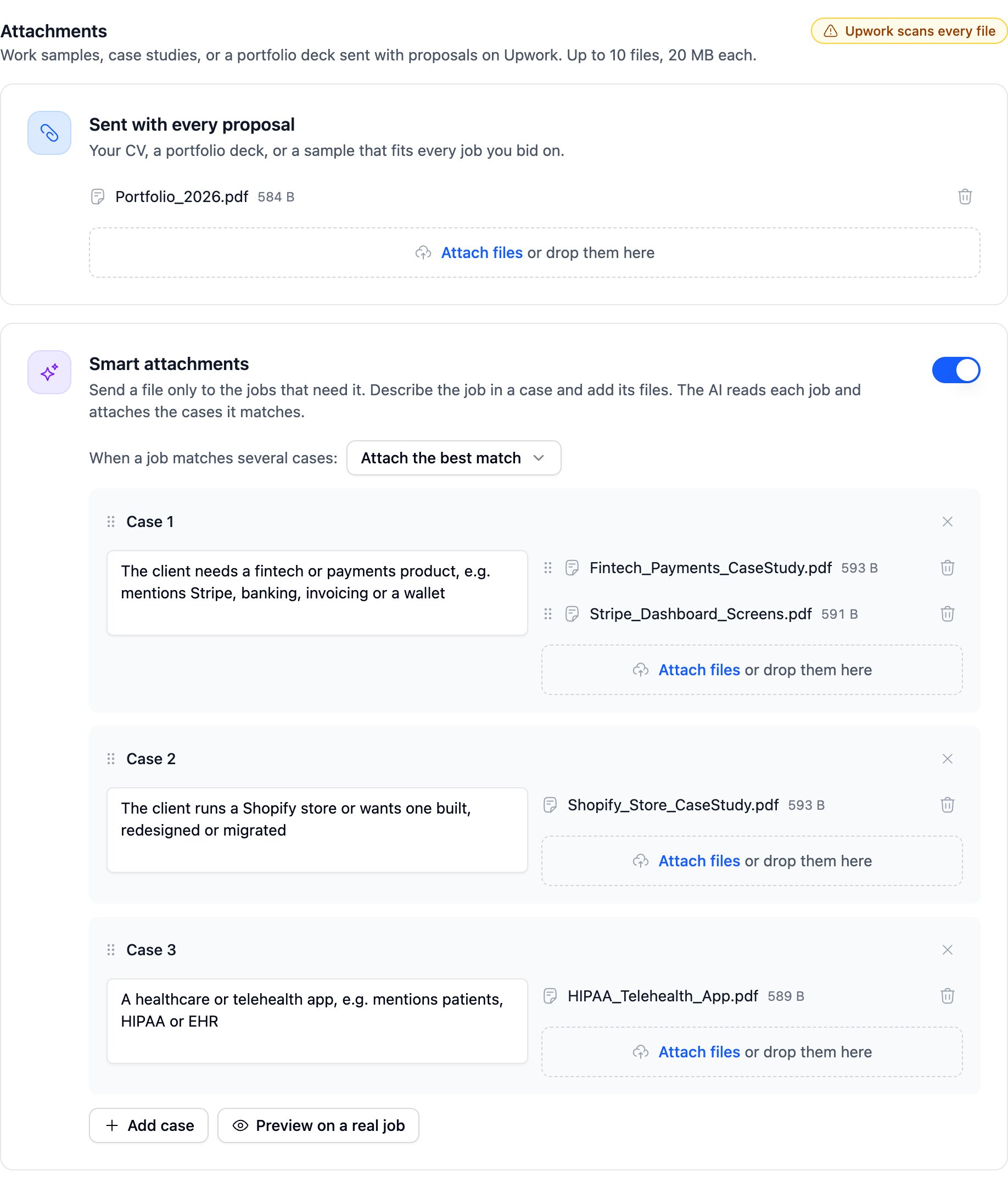
Sent with every proposal
Put files here that fit every job you bid on, such as your CV or a portfolio deck.Smart attachments
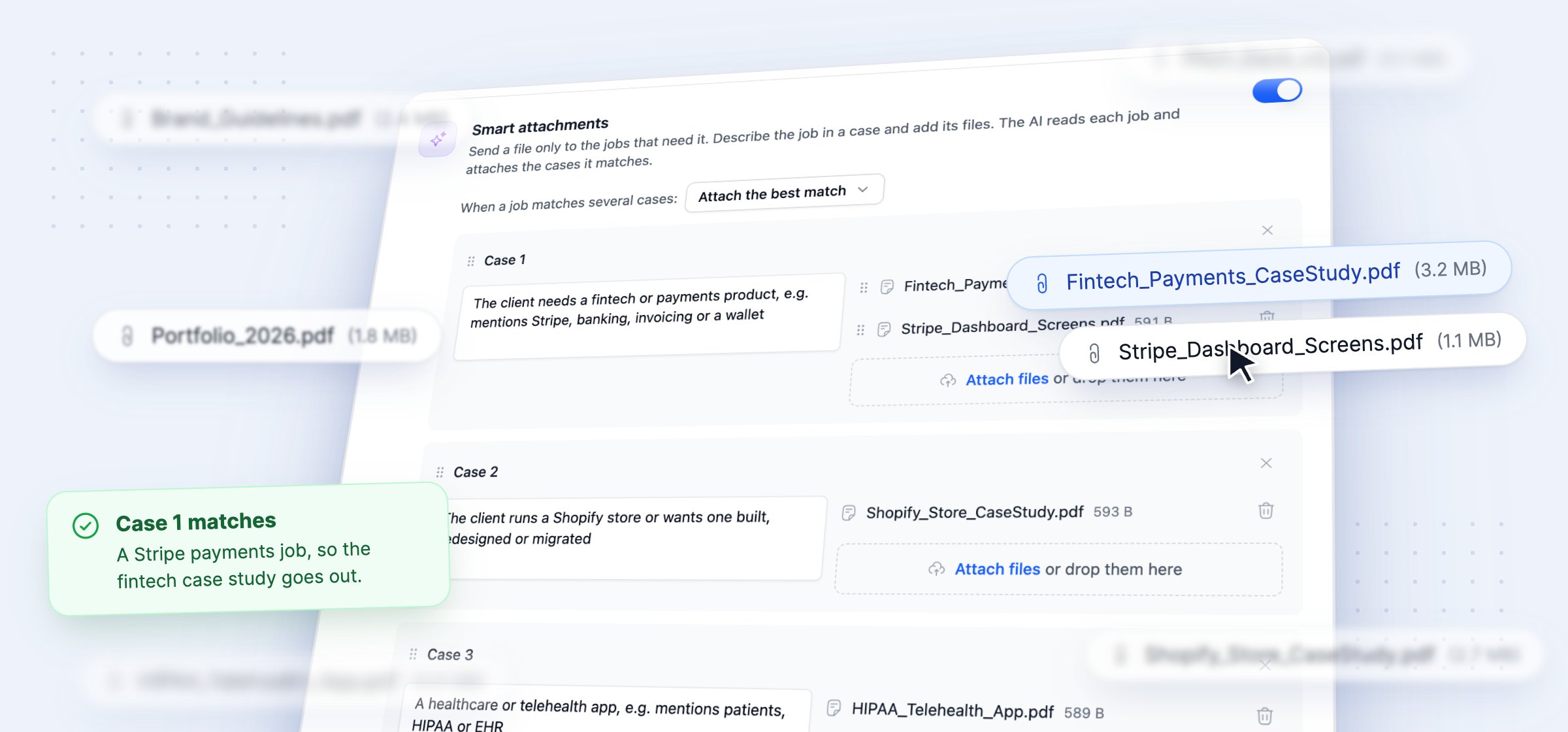
- Smart attachments (default off): the switch for the whole section.
- When a job matches several cases (default Attach the best match): Attach the best match compares every case and attaches the one that fits best. A case such as “any other job” then works as a fallback. Attach every match sends the files of every matching case, so write each condition to stand on its own.
- Case (up to 10 per template): one kind of job and its files.
- Describe when to send these (required for a case with files, up to 1,000 characters): the condition. Without it, the step shows “Describe when to send the files in each case” and Save stops.
Check it on a real job
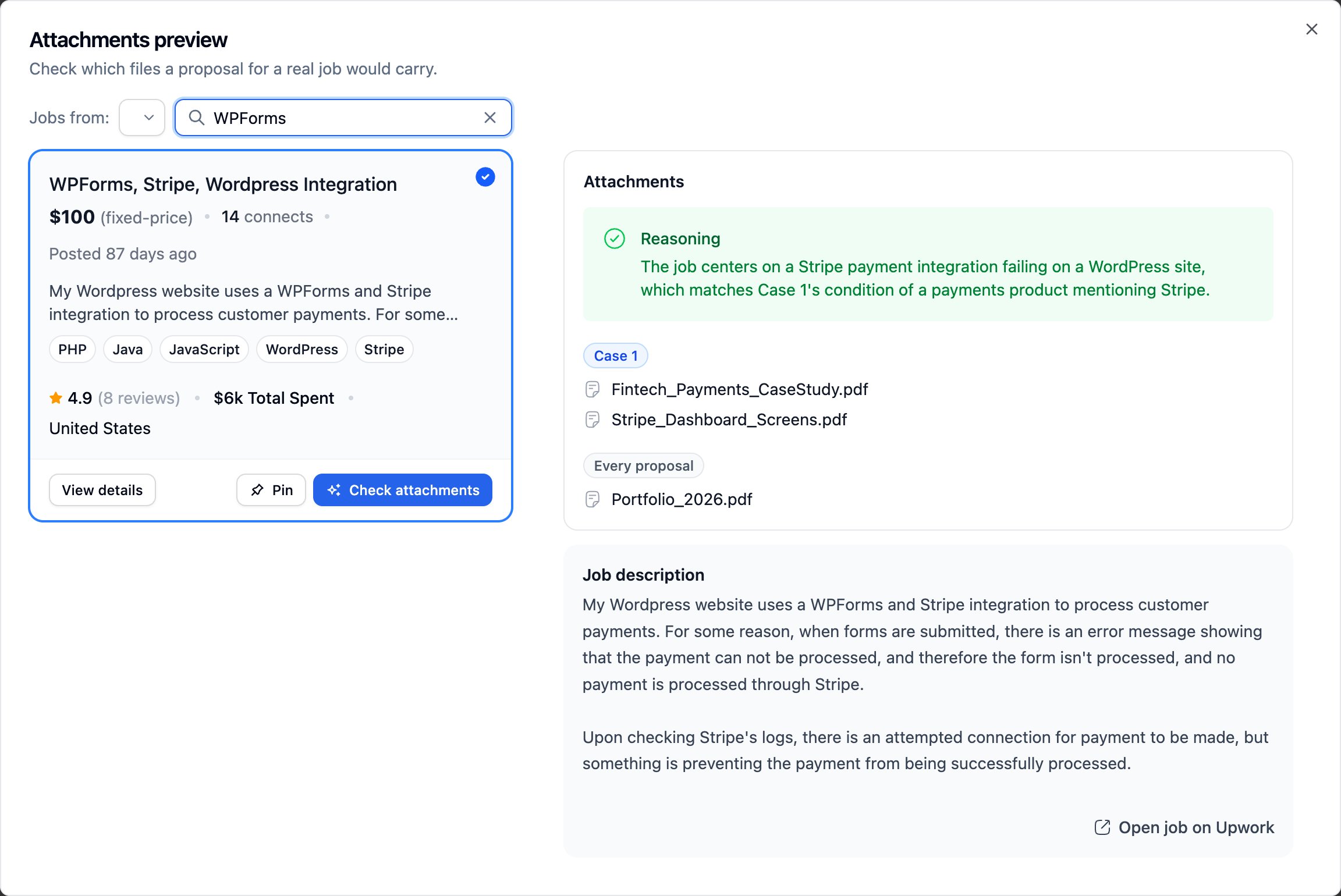
Preview on a real job opens the Attachments preview. Pick a job and click Check attachments. The preview shows the files the proposal would carry and the AI’s reasoning. Green means a case matched. Yellow means none did. The check uses your unsaved cases, so test a condition before you save it. It writes no letter and uses no AI credits.