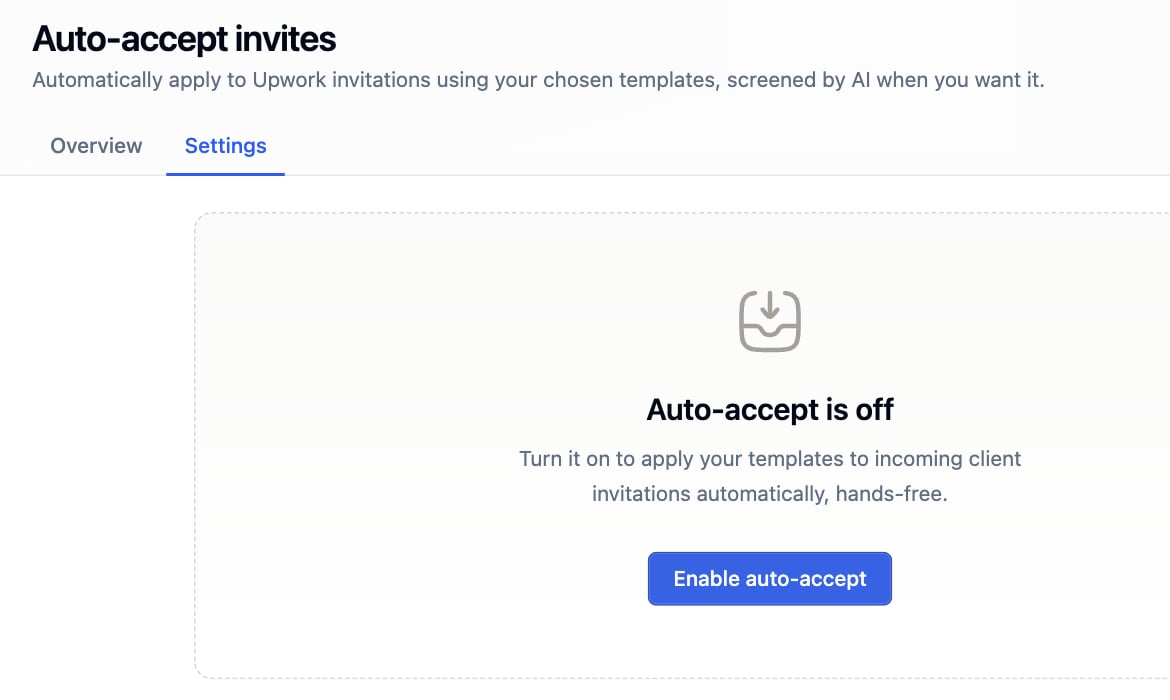
A client invites one of your freelancers. Vollna matches that freelancer to a rule and submits the rule’s template as the reply. Open Auto-Bidding, then Invites.
Invites settings tab with auto-accept turned off

Rules

A rule maps one contractor profile to one proposal template. The contractor comes from the template, so pick a template that carries contractor data. One rule per contractor, and every rule inside one Upwork organization.
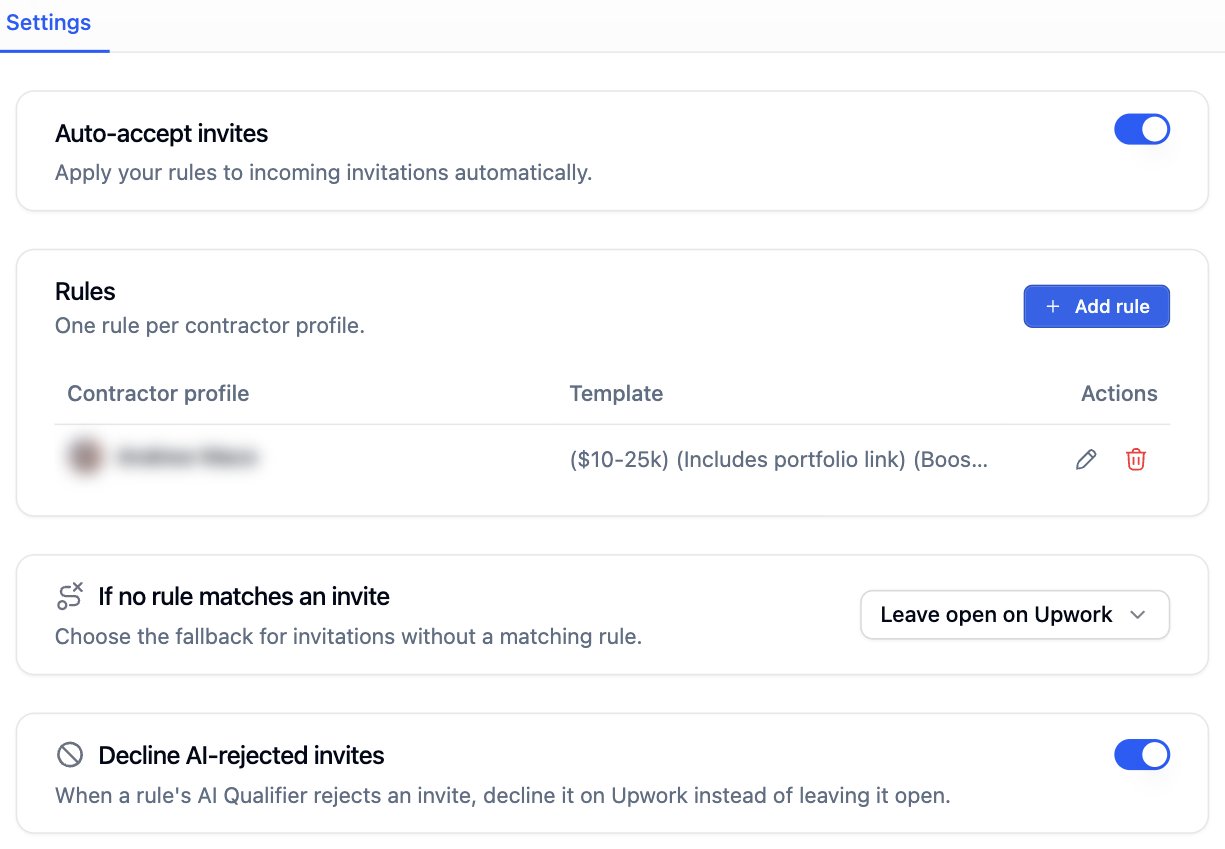
Rules table with one rule per contractor profile
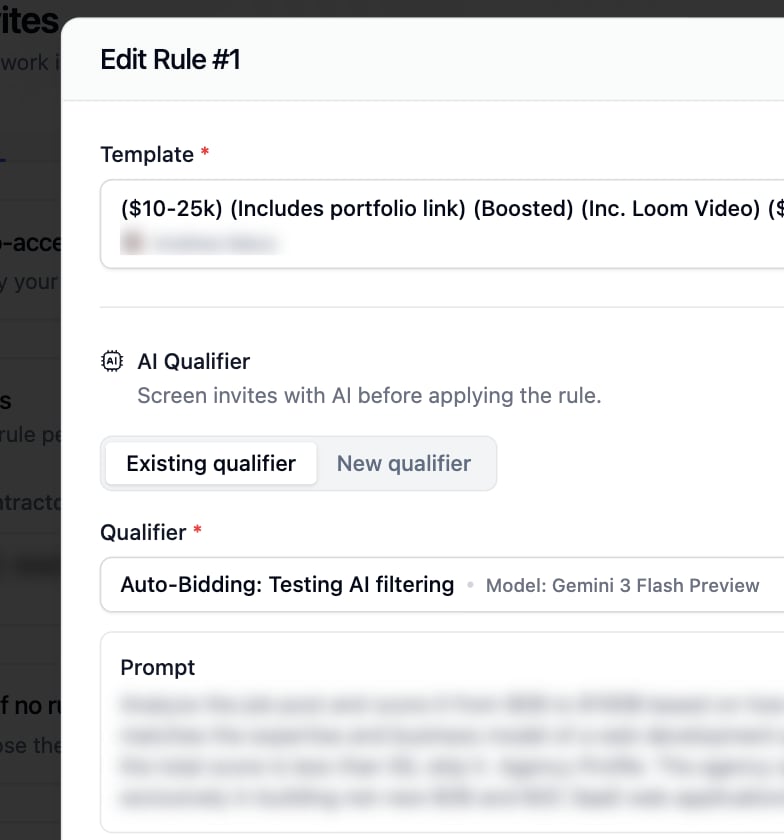
Turn on AI Qualifier in a rule to screen the invite before the template is sent. Reuse a saved qualifier or write a new prompt. See AI Job Qualifier.
Add rule dialog with template and AI qualifier fields

If no rule matches an invite

Decline AI-rejected invites declines an invite the qualifier rejected instead of leaving it open.

Invites and your proposal limit

One accepted invite spends one proposal credit, the same credit an auto-bid proposal spends. A scheduled invite reserves its credit before it is submitted. At the monthly limit every path stops until the next period, or until you turn on Continue over limit on the dashboard.