

Your business manager
Vollna assigns a Business Manager to your account once your subscription is active. The manager submits proposals on behalf of your agency, using the freelancer profile from your proposal template. Clients see that freelancer profile, never the manager.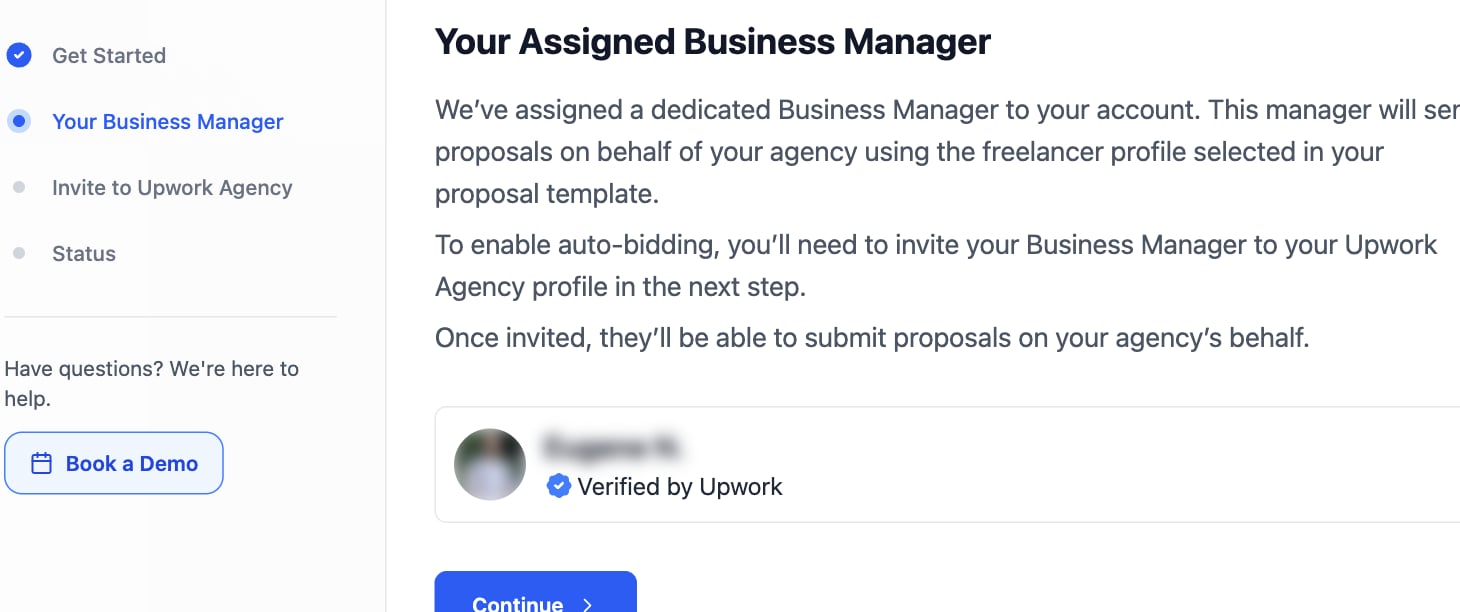
Invite the business manager to your agency
1
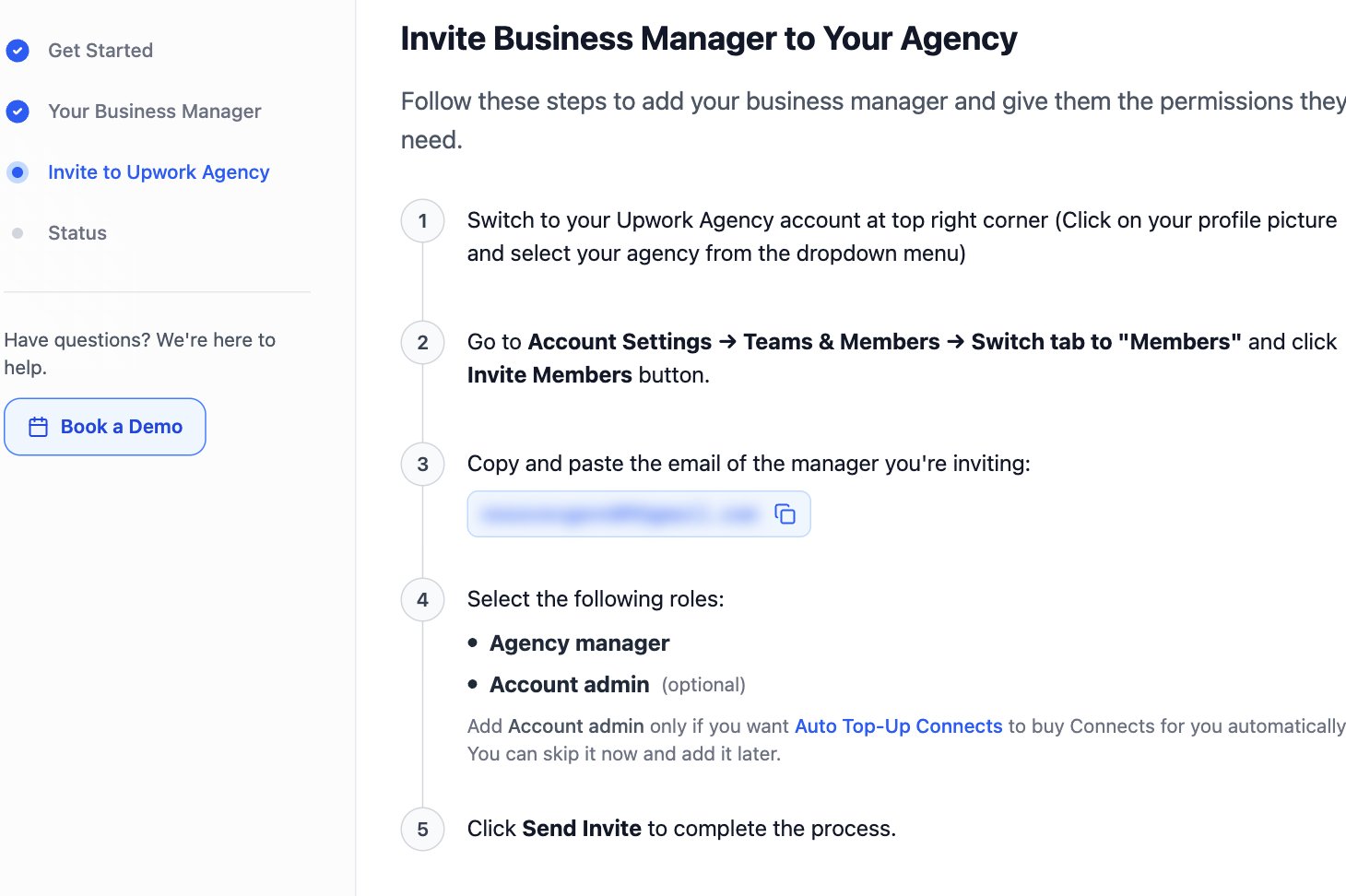
Switch to your Upwork agency account
On Upwork, click your profile picture in the top right corner and select your agency.
2
Open the members list
Go to Account Settings > Teams & Members > Members and click Invite Members.
3
Paste the manager email
Copy the Business Manager email shown in Vollna and paste it into the invite dialog.
4
Select the roles
Tick Agency manager. Auto-Bidding needs this role.Tick Account admin only to let Auto Top-Up Connects buy Connects for you. You can add it later.
5
Send the invite
Click Send Invite.