

app is not in this channel or Slack delivery fails with not_in_channel.
This guide applies only to Auto-Bidding Slack approval messages. For regular Slack notifications, use the Slack notifications guide.
Requirements
You need:- a connected Slack workspace in Auto-Bidding settings
- permission to invite apps to the target Slack channel
- an existing member to invite
@vollna_botif the channel is private
Setup
1. Connect Slack
Connect your Slack workspace in Auto-Bidding settings. When Slack opens the authorization screen, review the workspace and click Allow.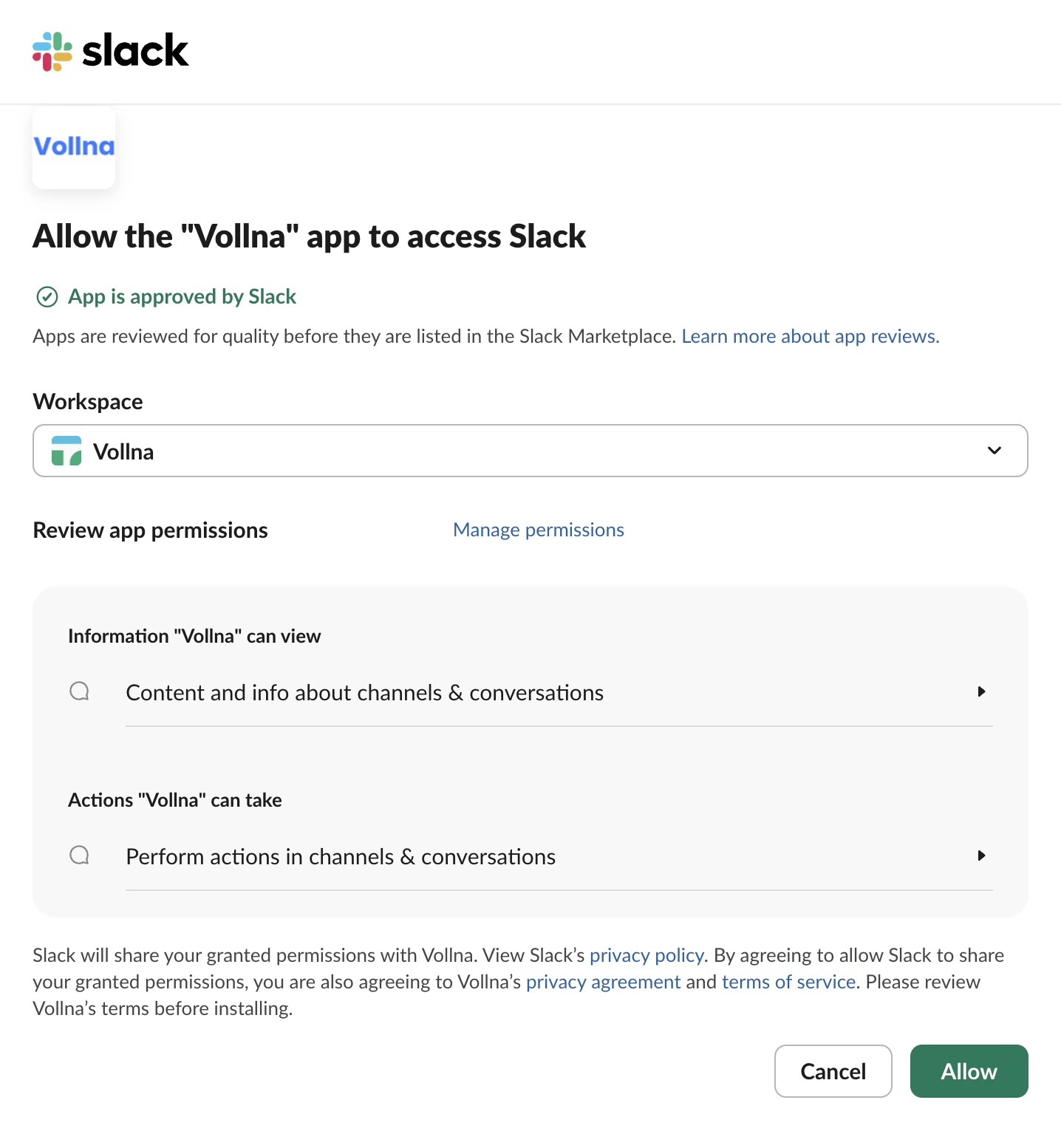
2. Select the channel
Choose the channel where approval messages should be sent. After Slack is connected, return to Auto-Bidding settings and choose the target channel in the Slack section.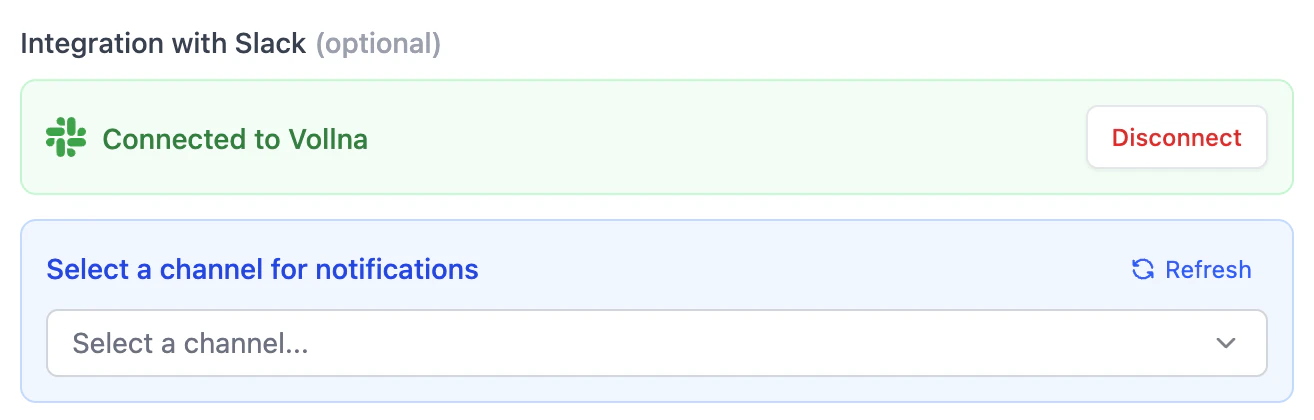
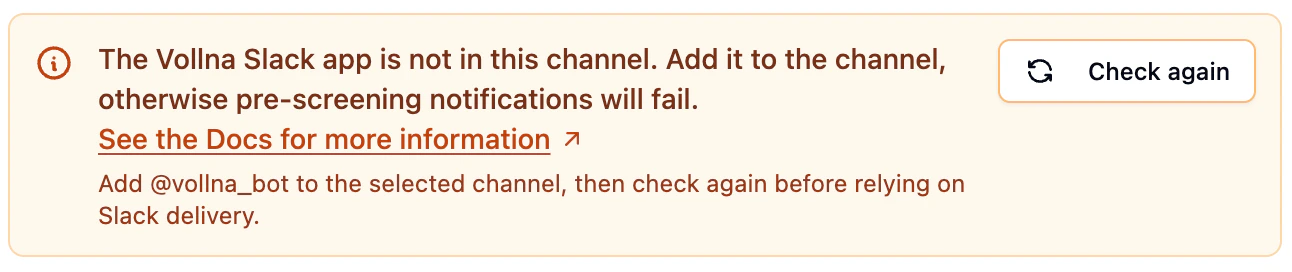
3. Add the Vollna app to the channel
In Slack, open the same channel and run:4. Click Check again
Return to Auto-Bidding settings and click Check again. If the app is in the channel, the warning disappears and delivery is ready.Public vs Private Channels
- Public channels can appear in Auto-Bidding even if
@vollna_bothas not been added yet. - Private channels require the app to be invited before Auto-Bidding can post.
Connecting a Slack workspace and adding the app to a channel are separate steps. Selecting a channel in Vollna does not automatically add
@vollna_bot to that channel.Why This Happens
Slack can let Vollna list a channel before the app is actually a member of it. When Auto-Bidding tries to post into a channel that does not include@vollna_bot, Slack returns not_in_channel.
Troubleshooting
The channel is selected, but Vollna still shows the warning
Check all of the following:@vollna_botappears in the channel member list- you invited the app to the same channel selected in Auto-Bidding
- you clicked Check again after inviting the app
I invited the app, but the warning is still shown
Try this:- wait a few seconds for Slack to update channel membership
- click Check again again
- reconnect Slack if the wrong workspace was connected
I want to use a private channel
Private channels only work after@vollna_bot is invited by someone who is already a member of that private channel.
If the private channel is not working, confirm:
- you are selecting the correct Slack workspace
@vollna_bothas been invited to the private channel- the invite was done by an existing member of that private channel