New feature
Dark theme
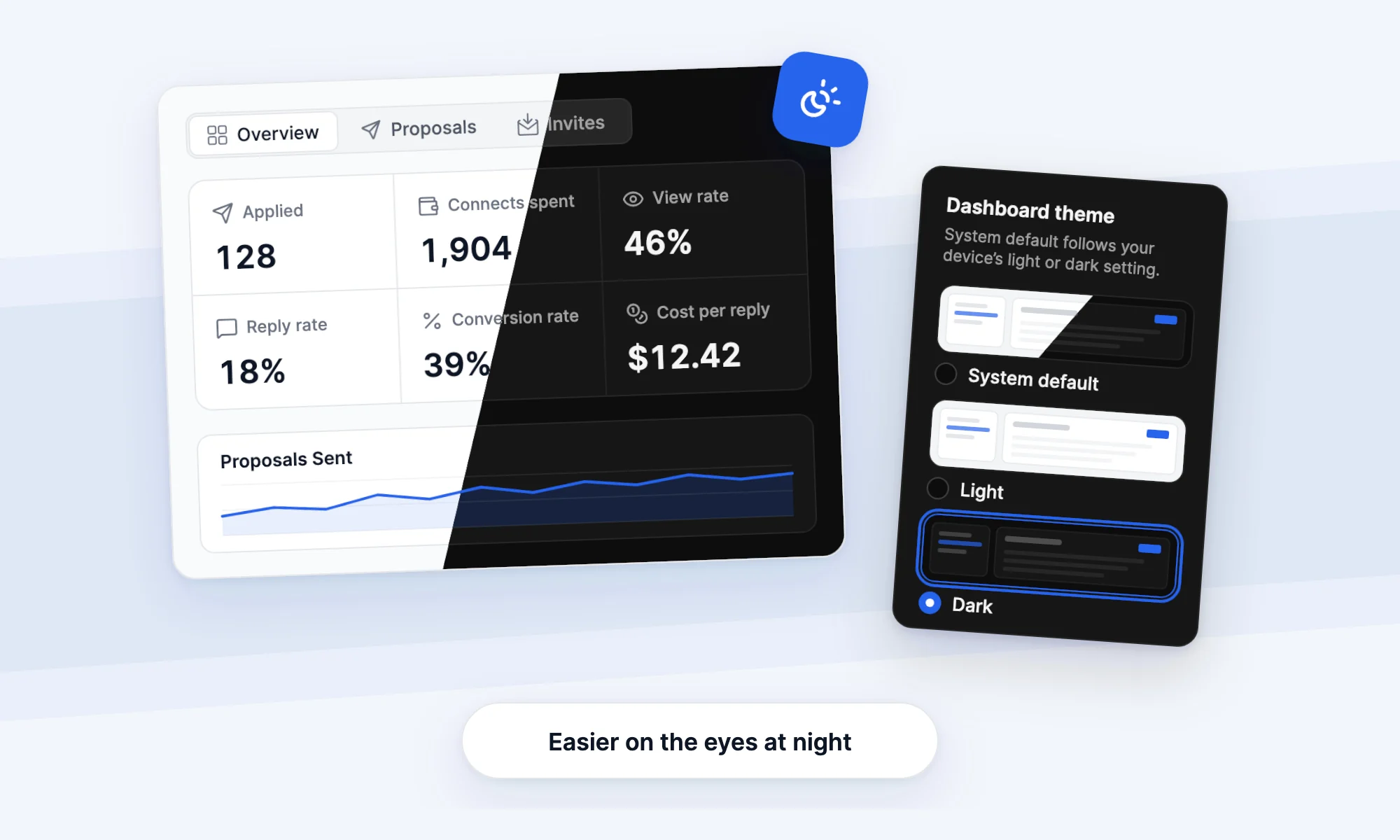
You can now switch the dashboard to a dark theme that's easier on your eyes at night.
- Open Account settings in the user menu, then Appearance, and pick Light, Dark or System default.
- System default follows your device, so the dashboard turns dark when your computer does.
- The choice is saved to your account, so it applies wherever you sign in.