> ## Documentation Index
> Fetch the complete documentation index at: https://www.vollna.com/docs/llms.txt
> Use this file to discover all available pages before exploring further.
# Auto-accept invites
> Answer Upwork invitations automatically with your proposal templates, screened by AI when you want it.
A client invites one of your freelancers. Vollna matches that freelancer to a rule and submits the rule's template as the reply.
Open **Auto-Bidding**, then **Invites**.
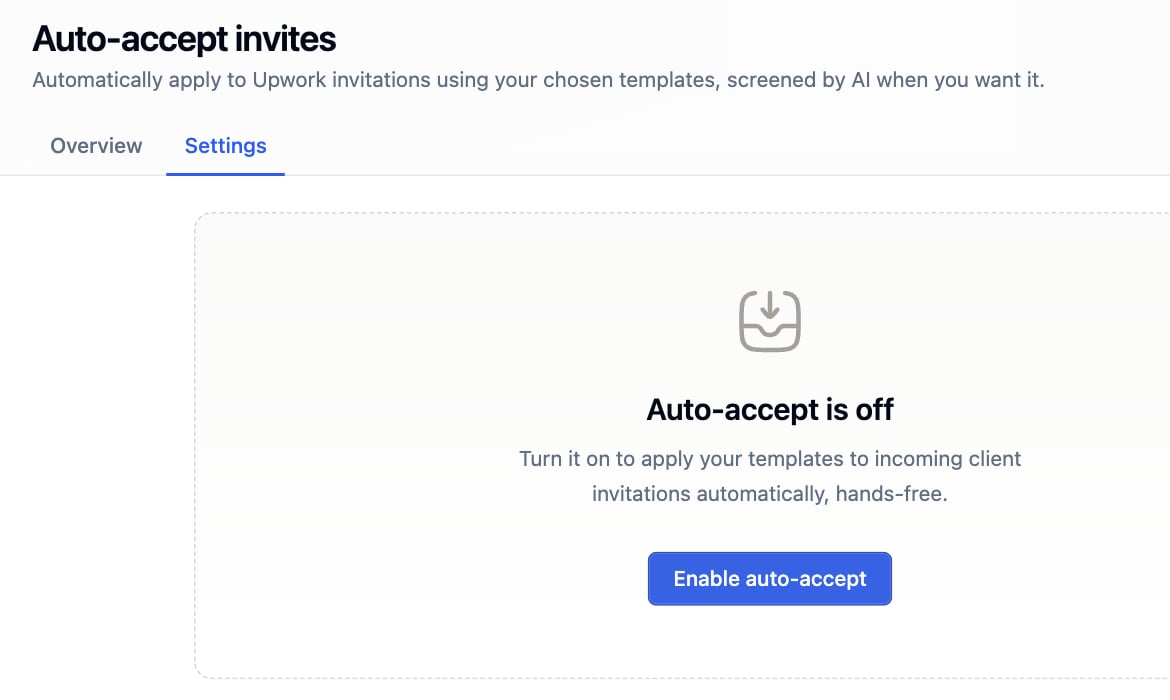 ## Rules
A rule maps one contractor profile to one proposal template. The contractor comes from the template, so pick a template that carries contractor data. One rule per contractor, and every rule inside one Upwork organization.
## Rules
A rule maps one contractor profile to one proposal template. The contractor comes from the template, so pick a template that carries contractor data. One rule per contractor, and every rule inside one Upwork organization.
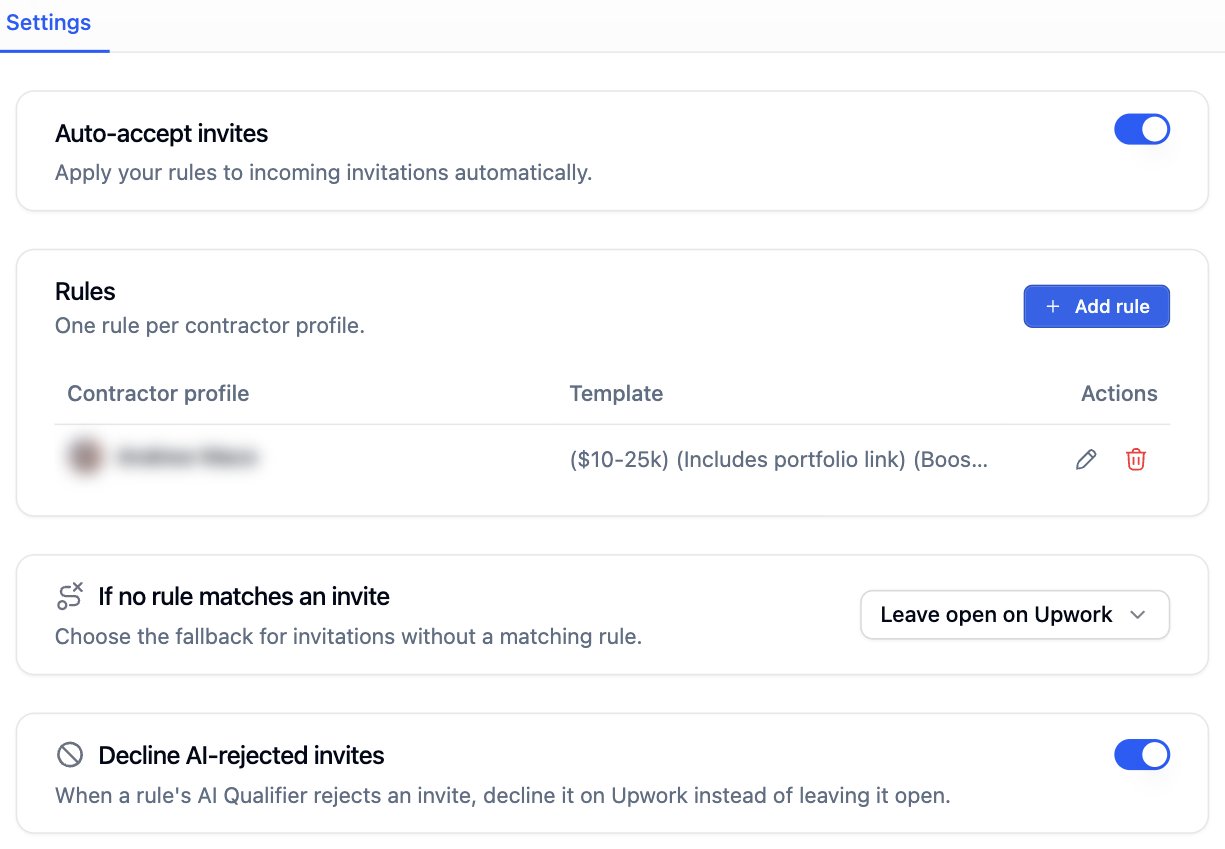 Turn on **AI Qualifier** in a rule to screen the invite before the template is sent. Reuse a saved qualifier or write a new prompt. See [AI Job Qualifier](/docs/filters/ai-job-qualifier).
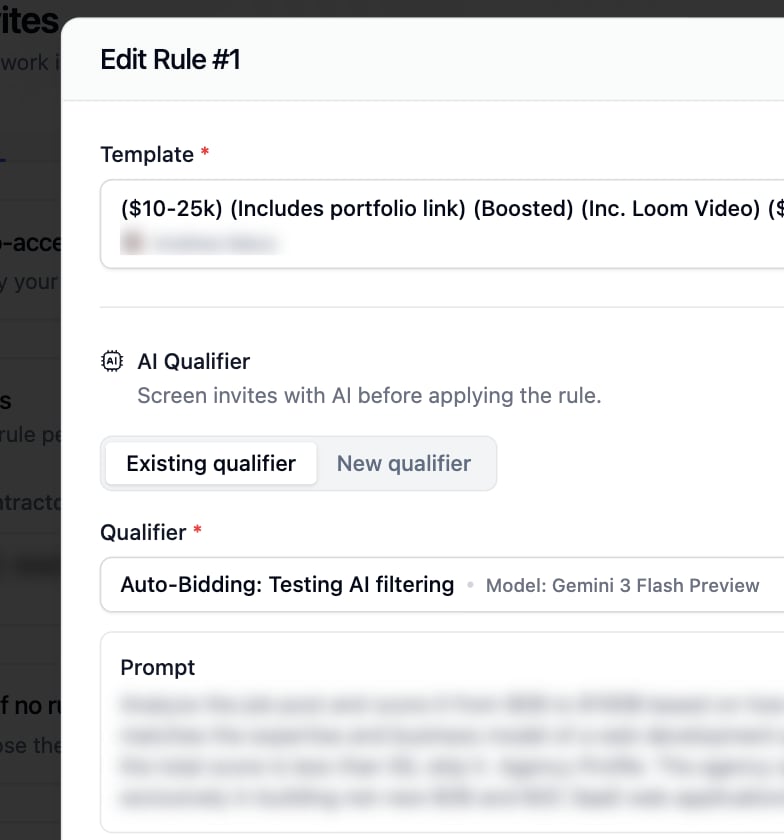 ## If no rule matches an invite
| Option | What happens |
| ------------------------ | ---------------------------------------------------------------------------------------- |
| **Leave open on Upwork** | The invitation waits for you |
| **Apply Rule #1** | The first rule's template is sent. This is the default |
| **Decline on Upwork** | The invitation is declined for you. Use it only when every contractor profile has a rule |
**Decline AI-rejected invites** declines an invite the qualifier rejected instead of leaving it open.
## Invites and your proposal limit
One accepted invite spends one proposal credit, the same credit an auto-bid proposal spends. A scheduled invite reserves its credit before it is submitted. At the monthly limit every path stops until the next period, or until you turn on **Continue over limit** on the [dashboard](/docs/auto-bidding/dashboard).
## If no rule matches an invite
| Option | What happens |
| ------------------------ | ---------------------------------------------------------------------------------------- |
| **Leave open on Upwork** | The invitation waits for you |
| **Apply Rule #1** | The first rule's template is sent. This is the default |
| **Decline on Upwork** | The invitation is declined for you. Use it only when every contractor profile has a rule |
**Decline AI-rejected invites** declines an invite the qualifier rejected instead of leaving it open.
## Invites and your proposal limit
One accepted invite spends one proposal credit, the same credit an auto-bid proposal spends. A scheduled invite reserves its credit before it is submitted. At the monthly limit every path stops until the next period, or until you turn on **Continue over limit** on the [dashboard](/docs/auto-bidding/dashboard).